01
Edits you can see and undo.
Every request becomes ordinary cuts, clips and keyframes on the timeline. Nudge them by hand, or ask again.
Mocut is an AI video editor you talk to. Ask for any edit, and it lands on a real timeline.

Rough cut loaded: 4 clips, 22.1s, straight off the camera. Tell me what to change, or pick a move below.
Most AI video tools hand back a finished file. Mocut makes every change on a timeline you can see, undo and adjust by hand.
Every request becomes ordinary cuts, clips and keyframes on the timeline. Nudge them by hand, or ask again.
The current video, image, music and voice models on one credit balance. No second subscription, no moving files between apps.
Titles, lower thirds, charts and kinetic type, built as editable compositions. Start from 32 templates, finish with keyframes and expressions.
A browser tab on your laptop, the phone editor on the go, or straight from Claude Code and Codex. Nothing to install.
Make the shots, music and voice you are missing, cut by asking or by hand, then finish with captions, motion graphics and color. Everything lands on one timeline you can still tweak.
The shots, stills, music, voices and sounds you don’t have yet.
Text or a still to video with Seedance 2.5, Veo 3.1 and MiniMax H3, placed straight on your timeline.
Nano Banana 2.1 and GPT Image 2.6. Change any frame with a sentence.
Lyria writes music to your video, or a full song with your lyrics.
ElevenLabs and Gemini voices, or a clone of your own.
141 built-in effects, or describe a sound and get it.
Cut by asking, or by hand on a real timeline.
Filler words, false starts and long pauses come out in one pass, as ordinary cuts you can undo or nudge.
Hand it your footage and a song. It picks the moments and lands each cut on a beat.
A real timeline with handles, snapping and ripple. The AI’s cuts land there too.
Ask for 9:16 or 1:1, then frame each shot by asking or by dragging.
Search your footage by what was said, then jump straight to the moment.
Captions, motion graphics, color, and an export up to 4K.
Titles, lower thirds, charts and kinetic type, with keyframes and expressions you can open and tweak.

Timed to each word, restyled with a sentence, translated on the same timing.

Ask for a look and it lands as color settings on each clip. Drag to compare.
Shape motion in the graph view, or drive it with After Effects-style expressions.

MP4 rendered in your browser: 720p on Free, up to 4K on Creator and Studio.
Avatars, keying, layers and nested timelines.
Give a still a voice. OmniHuman 2.0 and Avatar IV lip-sync a photo or a frame to your voiceover.
Chroma Key clears a green or blue screen. Ask for a shot with no background and it arrives already keyed.
Seedream 5.5 splits a still into subject and background layers, so each can move on its own.
Group clips into a precomp, open it in its own tab, and reuse it like a single clip.
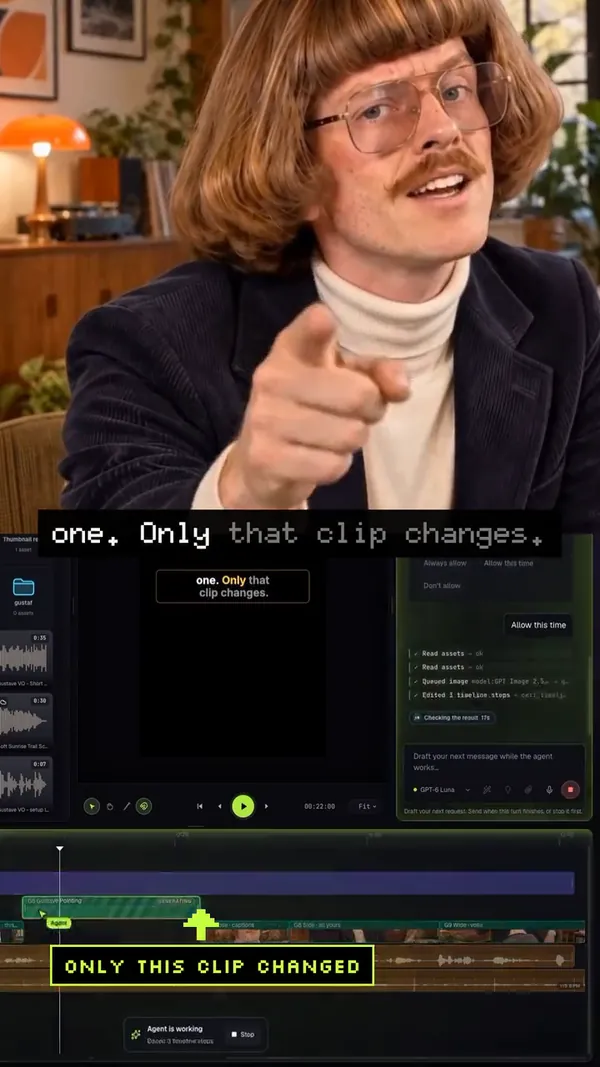
This Short for our channel started as one prompt in Mocut’s chat. Its host is generated, and no camera was involved.
 0:36
Channel Short · lip-synced host
Connect once and your coding agent edits the open project: it cuts, captions, designs motion graphics and generates media, while you watch each change land on the timeline.
Works on every plan, Free included
32 built-in motion graphics, from lower thirds to split-flap boards. Drop one on the timeline, change the words, or ask for a restyle.
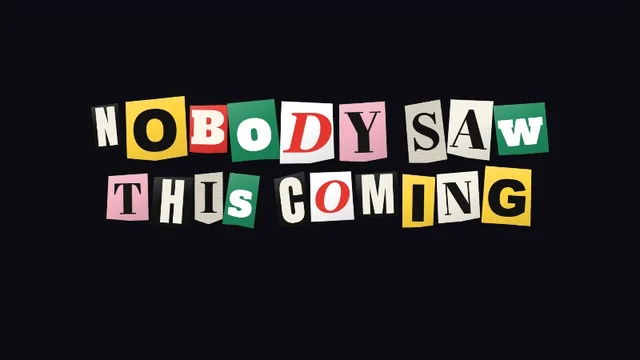
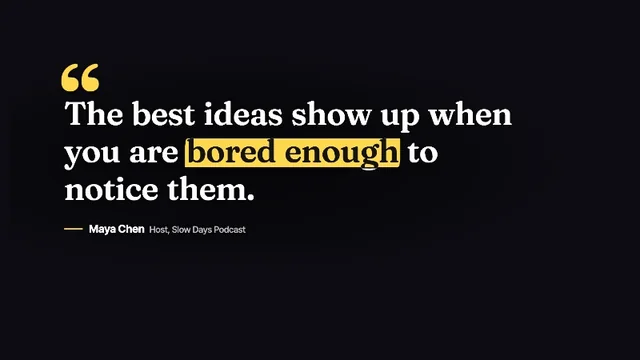

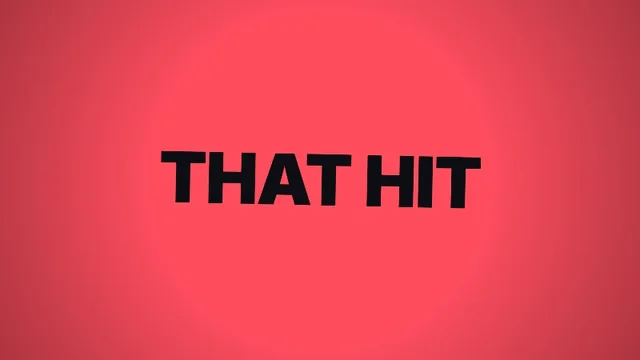
Every plan gets the chat editor, the timeline and every image, video and audio model. Credits are only spent when AI work actually runs.
Local editing plus 100 credits to try every AI tool.
Cloud-backed editing for solo creators shipping regular videos.
Higher limits and priority processing for heavier production work.
Typical costs, taken from real jobs. The estimate shows before a generation runs. Creator’s 2,000 credits cover about 100 AI video shots, or 220 music tracks, or 500 motion scenes.
Need more? One-time credit packs from $13 on Creator and Studio. Pack credits last until the end of the next month.
Credits, billing, ownership and where your footage goes. The Terms have the full detail.
Credits pay for AI work: the chat agent’s edits, and generating video, images, music and voice. Cutting by hand uses none, and neither does exporting in your browser.
Plan credits add to your balance each month and are not reset. One-time pack credits can be used until the end of the next calendar month.
Yes. Cancel from the billing portal in your account. It shows the date the plan ends.
You do. You keep ownership of the footage you bring and the projects you make. Stock media, library voices and third-party music keep their own licences.
Yes. The editor has a phone layout with the timeline, chat, generation and export. Long projects are easier on a laptop.
On Free your footage stays on your device, and the project itself saves to your account. Creator and Studio add cloud storage for the media too, so a project opens complete on any device. Media you send to an AI tool goes to that model’s provider to do the job.
Mocut is shaped around real editing sessions. The latest changes, straight from the build:
A third image model. Generate with a transparent background, or split any still into layers that move on their own.
Gemini Omni changes a finished clip from a prompt in the new Edit tab. The result replaces the clip in place.
Key out a green or blue screen, generate GIFs, SVGs and sprite sheets with GPT Image 2.6, and add Outline, Outer Glow, Pixelate and Duotone.
Make a still speak with OmniHuman 2.0 or Avatar IV, timed to your voiceover, from the new Lip sync tab.
Connect your coding agent and let it edit the open project. Free accounts included.
Start on the free plan, bring a clip, and ask for the first edit. Upgrade only when you need more cloud work.
Start editing free
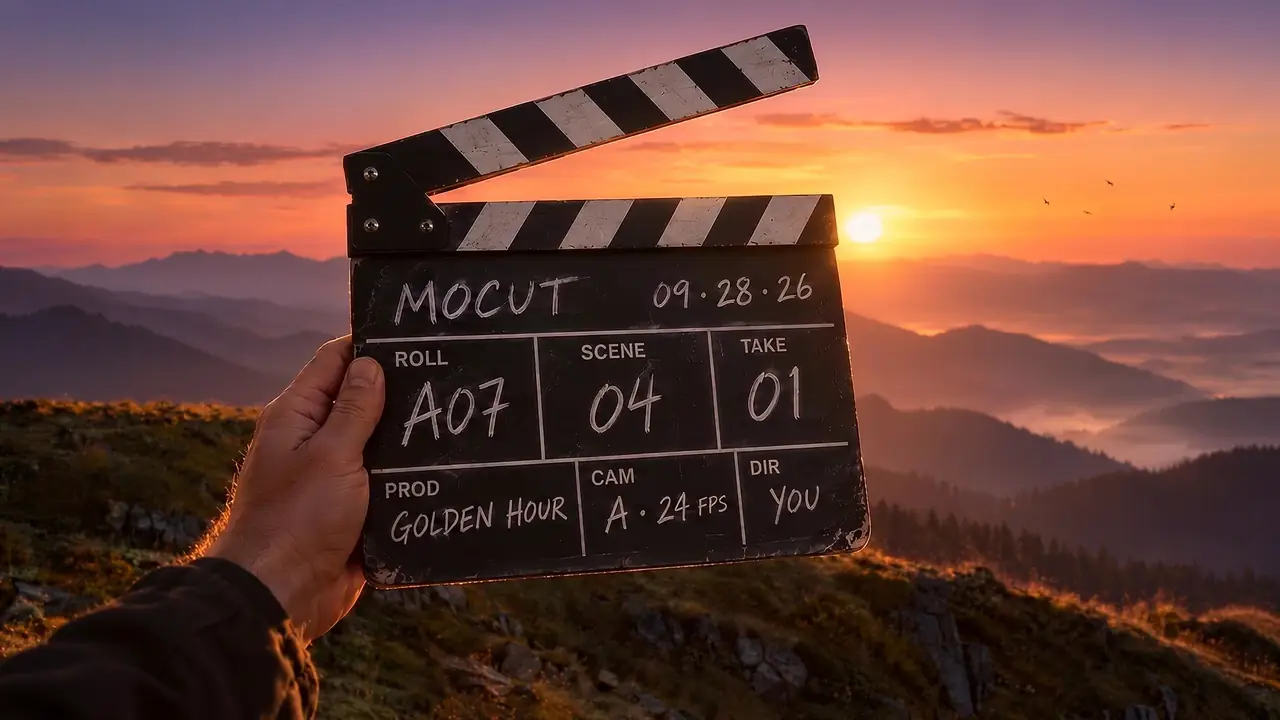



 Background
 Tree
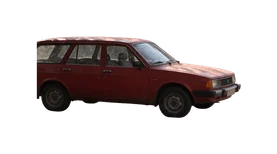 Car
 Dog